Coyote Bookkeeping Journal
The Single Best Thing You Can Do to Protect Your Business Bank Account Online
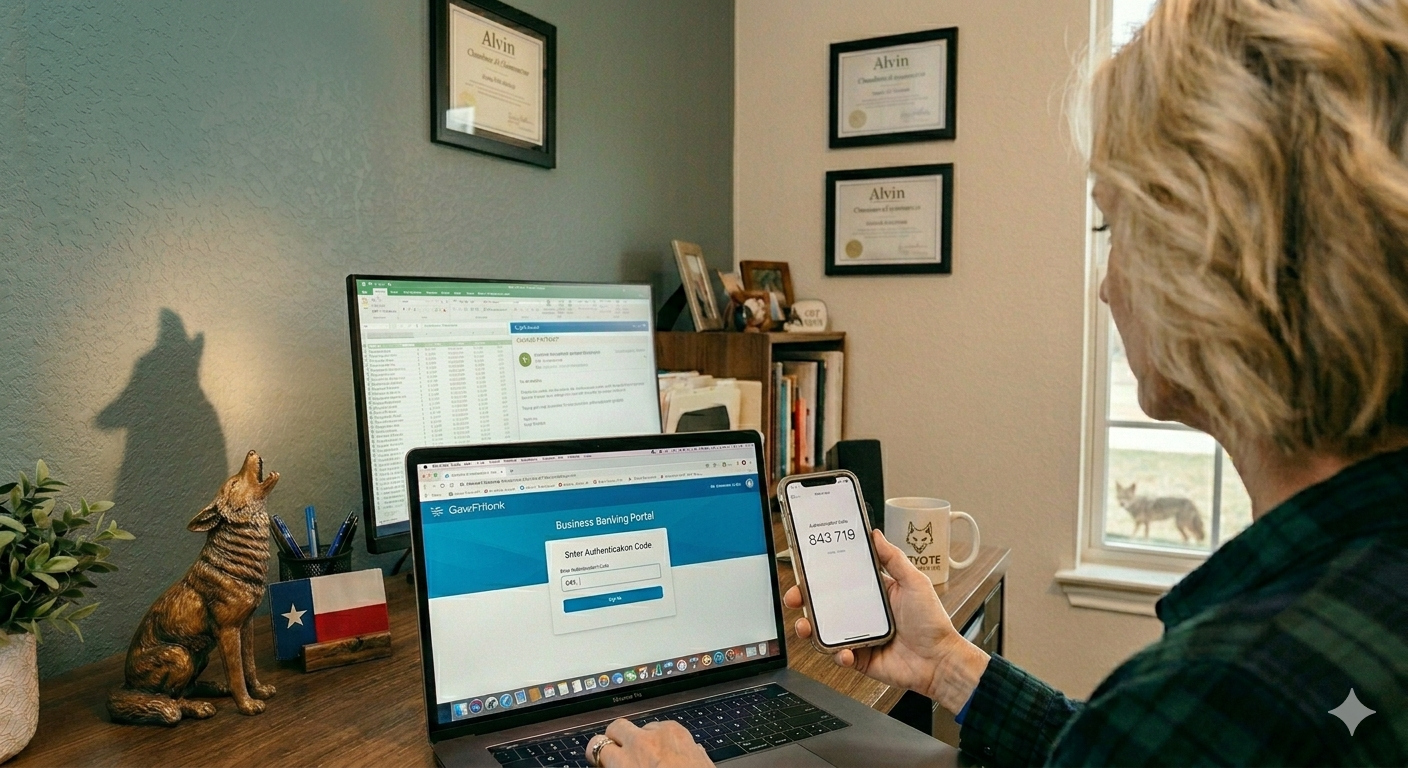
There is one security step that costs nothing, takes about five minutes to set up, and dramatically reduces the chance that someone gets into your business bank account, your QuickBooks file, or your email. Most small business owners have not done it. That step is multi-factor authentication, and this post explains exactly what it is and where to turn it on.
What Multi-Factor Authentication Actually Is
Multi-factor authentication (MFA) — sometimes called two-factor authentication or 2FA — means that logging into an account requires two things instead of one. Typically: something you know (your password) and something you have (your phone).
After you enter your password, the system sends a code to your phone or asks you to approve the login through an app. Even if someone has your password — through a data breach, a phishing email, or a lucky guess — they still cannot get in without that second step.
It is not a perfect solution. Nothing is. But it stops the most common type of account takeover cold.
Why Your Financial Accounts Are the Priority
Not every account carries the same risk. Your business bank account, your QuickBooks Online, your accounting email, and any payroll platform you use are the ones that can do real damage if compromised.
QuickBooks Online has MFA available and it should be turned on for every user who has access to your file. That includes you, any employees you have given access to, and your bookkeeper. If someone gains unauthorized access to your QuickBooks, they can see every transaction, download your reports, and in some configurations alter your data.
Your bank almost certainly offers MFA as well. If you log into your business account online and have not turned on two-step verification, go do that today. Most banks have it under Security Settings or Account Settings.
At Coyote Bookkeeping, we work inside clients' QuickBooks files regularly. Part of our QuickBooks setup and support process includes making sure access is properly controlled and that MFA is enabled before anyone else gets a login.
The Apps Worth Knowing About
You have a couple of options for how MFA works:
Text message codes. The system texts you a 6-digit code when you log in. This is better than nothing, but it has a known weakness — a scam called SIM swapping, where a criminal convinces your phone carrier to transfer your number to their device. It is not common, but it happens.
Authenticator apps. Google Authenticator, Microsoft Authenticator, and Authy all generate time-based codes directly on your phone without relying on your carrier. These are more secure than text codes and are free to download. This is what we recommend to clients.
Passkeys. Some platforms now support passkeys, which replace passwords entirely with a biometric or device-based login. This is newer technology but worth using when the option is available.
What to Turn On First
If you are starting from scratch, work through this list in order:
Your business email account (Gmail, Outlook, or whatever you use). Email is the master key — if someone gets into your email, they can reset passwords for everything else.
QuickBooks Online. Go to Account Settings and look for the Security section.
Your business bank account. Look for Two-Step Verification in your bank's security settings.
Any payroll platform you use.
Any other financial or client-facing tool.
Once your monthly bookkeeping is in order and your accounts are locked down with MFA, you have covered the two most important layers of financial protection for your business.
A Word on Passwords While We Are Here
MFA is more important than having a perfect password, but passwords still matter. Use a different password for every financial account. A password manager like 1Password or Bitwarden makes this manageable — you only have to remember one master password and it handles the rest.
The combination of unique passwords and MFA on every financial account puts you significantly ahead of most small businesses in terms of security posture. That is not a high bar, which is actually good news — a little effort goes a long way.
If your QuickBooks or business bank account login were compromised right now, how quickly would you find out — and what would be at risk before you did?
Coyote Bookkeeping helps small business owners across Brazoria County and Greater Houston get their finances organized and protected. Book a free consultation to see where your setup stands.
Written by Missie Newman with first-hand expertise. AI tools may be used for research and drafting assistance, but all content is reviewed, verified, and published by the author.