Coyote Bookkeeping Journal
What Happens to Your Business When Your Financial Records Get Hacked
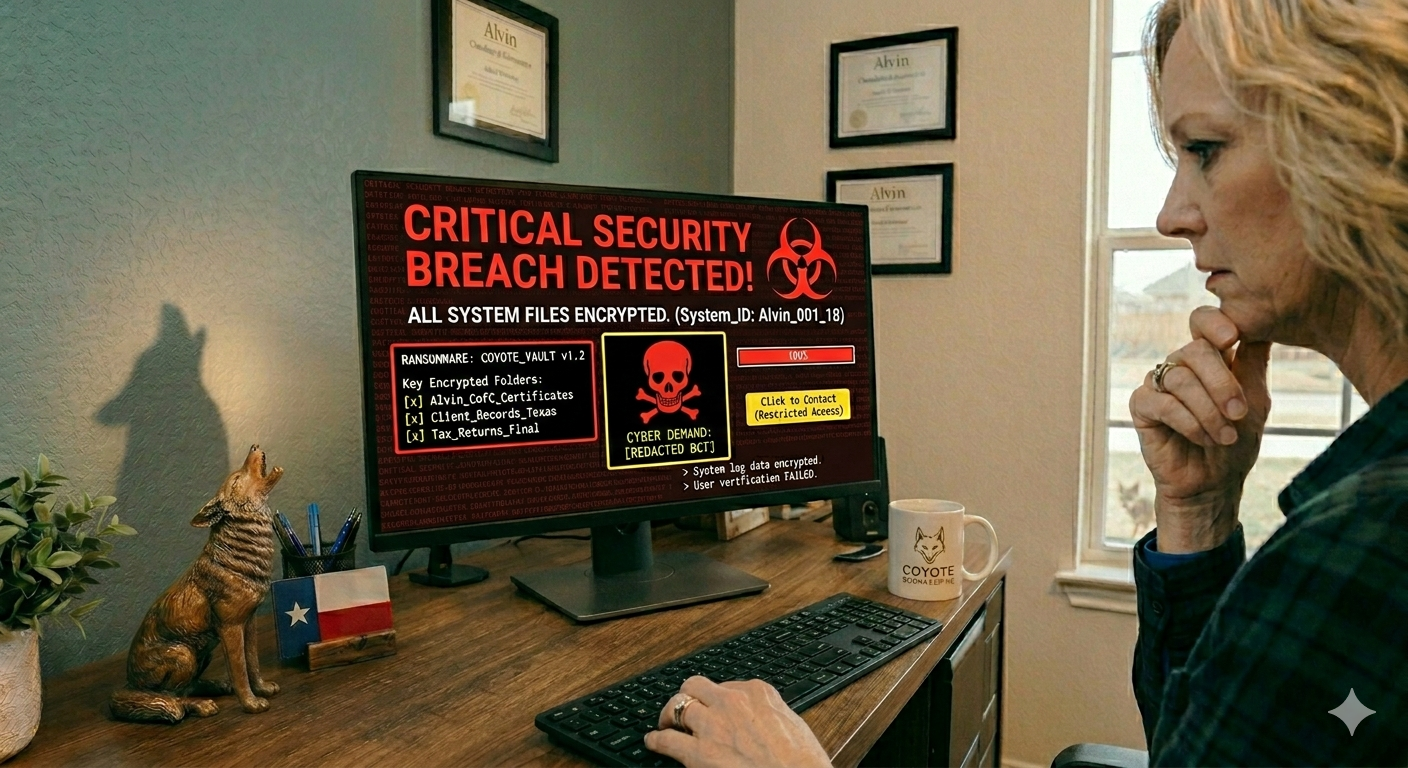
Ransomware does not discriminate by business size. A small bookkeeping client in Brazoria County is just as reachable as a corporation in Houston. What ransomware does to a small business's financial records can range from a serious headache to a full operational shutdown — and most small business owners have no recovery plan in place when it happens.
What Ransomware Actually Does
Ransomware is a type of malicious software that encrypts the files on your computer or network. Once encrypted, you cannot open them. You then receive a message demanding payment — usually in cryptocurrency — in exchange for the decryption key.
The files it goes after first are the ones criminals know businesses cannot afford to lose: financial records, client data, tax documents, invoices, payroll files. For a small business, that is often everything.
The average ransom demand for small businesses has risen significantly in recent years. According to Sophos's 2023 State of Ransomware report, the median ransom payment that year was $400,000. Many small businesses pay far less than that — or refuse to pay at all — but even at a fraction of that figure, the financial hit is severe. And paying the ransom does not guarantee you get your files back.
Why Your Financial Records Are a Specific Target
Your books contain more than numbers. They contain your bank account information, your vendor relationships, your payroll data, your client invoices, and often years of transaction history. For a small business in Texas, losing access to that information mid-quarter — especially near tax deadlines or during payroll cycles — can be catastrophic.
Consider what becomes impossible when your financial records are locked:
You cannot pay employees accurately without payroll records
You cannot file taxes without transaction history
You cannot invoice clients without records of what was delivered
You cannot apply for a loan or line of credit without financial statements
This is not a worst-case hypothetical. It is what happens to businesses every week.
How Ransomware Gets In
The most common entry points are not sophisticated. A team member clicks a link in a phishing email. Someone downloads an attachment that looks like an invoice or a shipping notification. A weak password on a remote access tool gets guessed.
Once the software is on one computer, it looks for connected drives and synced cloud folders. If your QuickBooks file or financial documents sync automatically to your desktop, those files are reachable. This is one reason that a cloud-based accounting platform with its own access controls — and proper backups — matters more than most people realize.
The Bookkeeping Connection
One of the less obvious protections a good bookkeeper provides is an independent copy of your financial data. When your books are reconciled monthly and stored in a professional system like QuickBooks Online — with separate login credentials and multi-factor authentication on the bookkeeper's end — your financial records exist somewhere that is not your local hard drive.
At Coyote Bookkeeping, our clients' data lives in QuickBooks Online, not on a single machine that can be encrypted. That separation matters. If a client's computer gets hit by ransomware, their transaction history, reconciled accounts, and financial reports are still intact on our end.
If your books are only on your computer or in a local spreadsheet, you do not have that buffer. Catch-up bookkeepingafter a ransomware event is possible — but reconstructing months or years of records from bank statements is painful, expensive, and time-consuming. Preventing that situation is a much better use of everyone's time.
Three Things to Do Before Something Goes Wrong
1. Back up your files somewhere that is not connected to your main computer.
An external hard drive that stays unplugged when not in use, or a cloud backup service like Backblaze, gives you a clean copy to restore from. A synced folder on the same network is not a backup — ransomware can reach it.
2. Move your bookkeeping to a cloud-based platform.
QuickBooks Online stores your data on Intuit's servers, not your hard drive. Combined with proper QuickBooks setup and access controls, this is significantly more resilient than a local file.
3. Work with a bookkeeper who maintains independent records.
Monthly reconciliation means your books are verified and preserved on a regular cycle. That is a recovery point you can fall back on even if something goes wrong locally.
If your computer were encrypted tonight, could you reconstruct your books well enough to make payroll, pay your vendors, and file your taxes on time?
Coyote Bookkeeping keeps your financial records organized, backed up, and protected year-round. Schedule a free consultation to talk through what your business needs.
Written by Missie Newman with first-hand expertise. AI tools may be used for research and drafting assistance, but all content is reviewed, verified, and published by the author.